Wayfaring Word › Shelves
For the pocket
Lock-Screen Verses
Promises that meet you every time you pick up your phone.
These began on one man's own phone: a small album of verses, white on black, that the lock screen takes in turns like a screensaver. Nothing to open, nothing to remember to read. You pick the phone up a hundred times a day, and a promise is simply there, waiting. He found it life-changing; here it is to share.
Save the set below, put it in an album, and set your lock screen to shuffle through it. Or play the Presentation and let the ten turn slowly on a big screen — in a classroom before the lesson, on a waiting-room wall, in the small hours.
Strong — ten promises
The verses speak in the first person, the way you would say them over yourself. They are numbered as they were made, one through twelve; this first gathering holds ten of them.

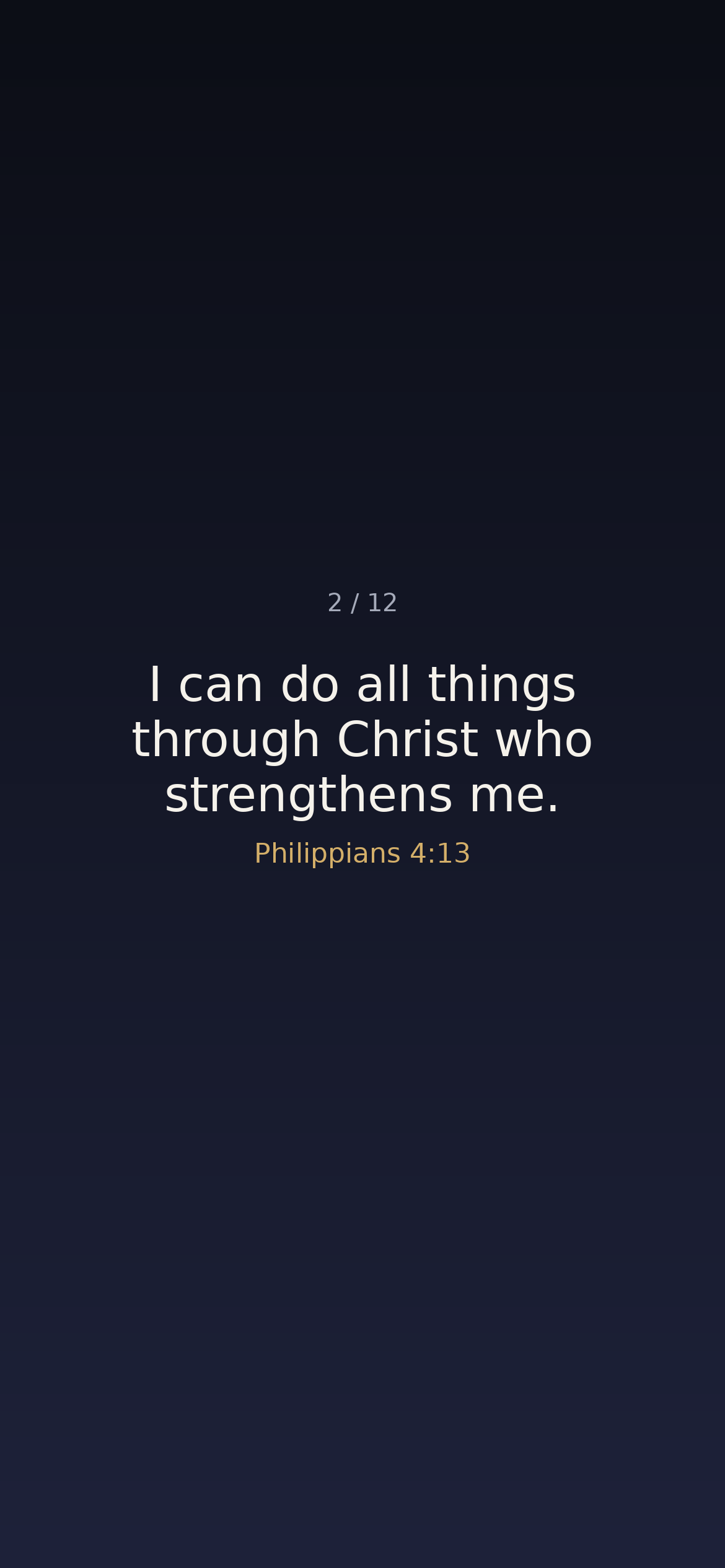
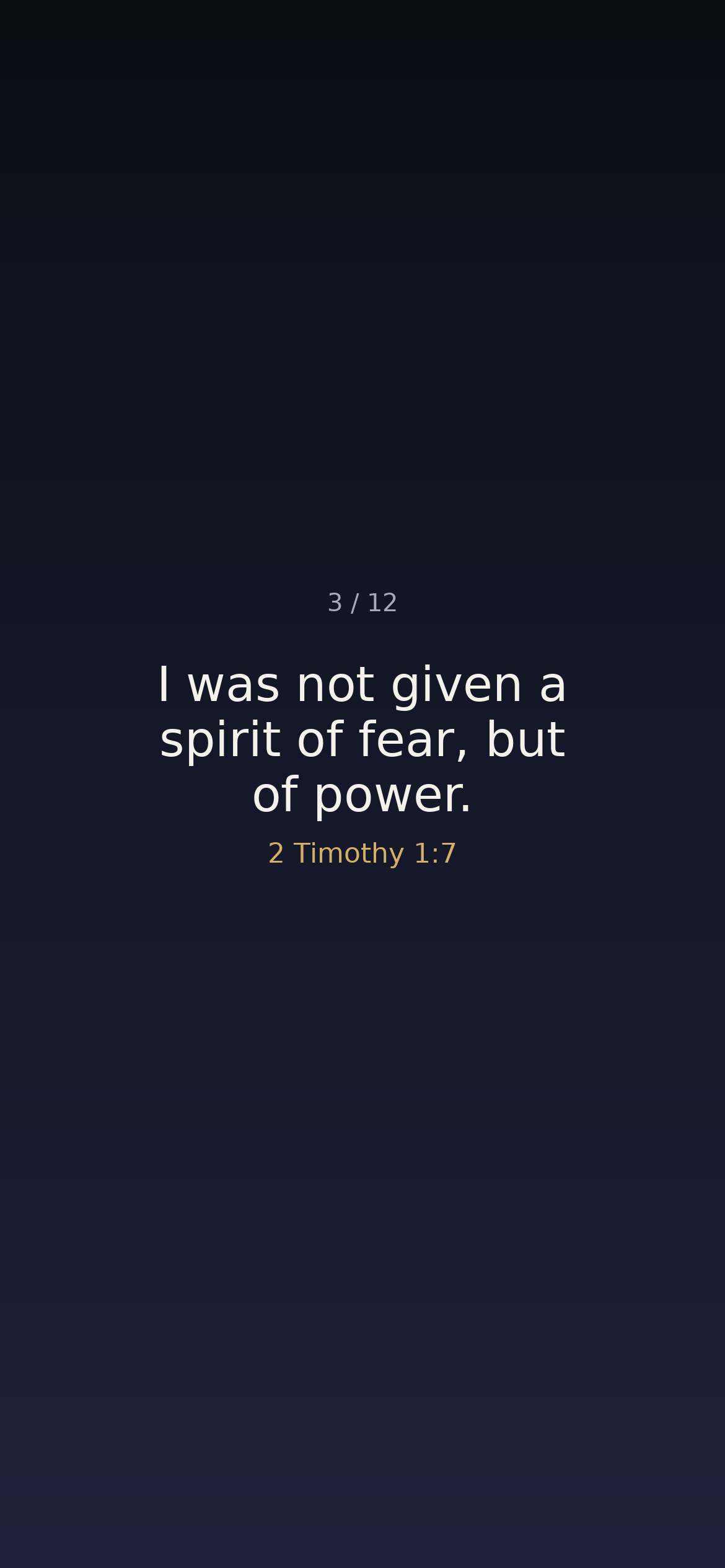
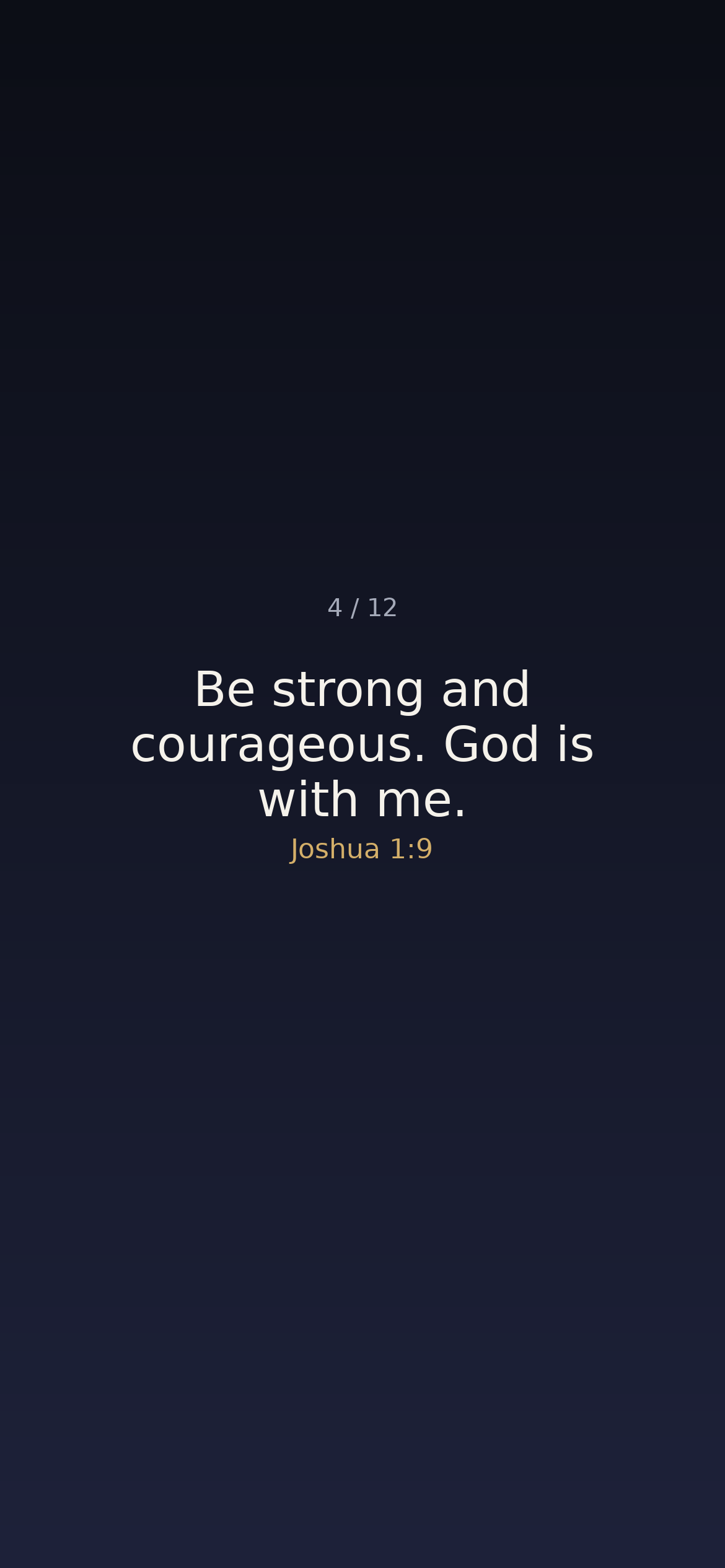
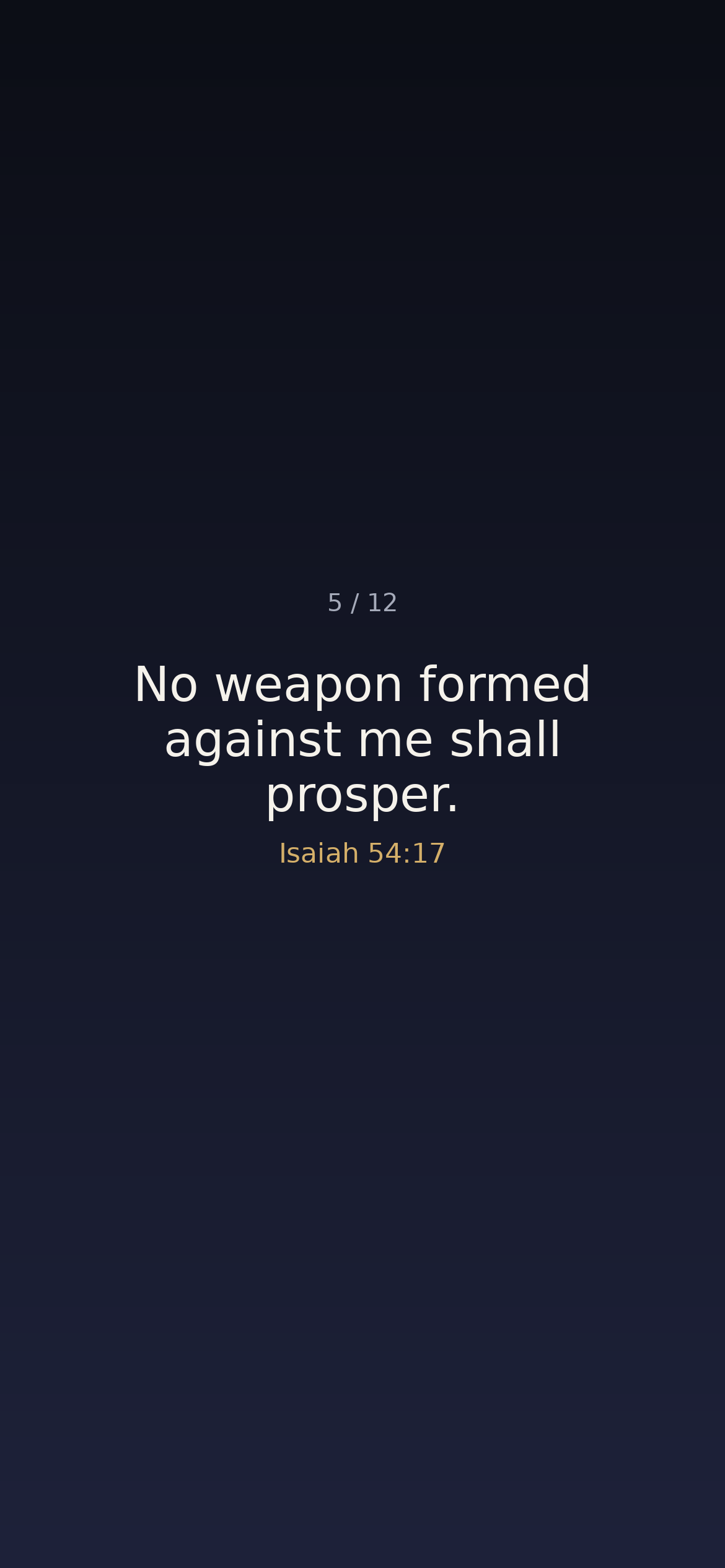

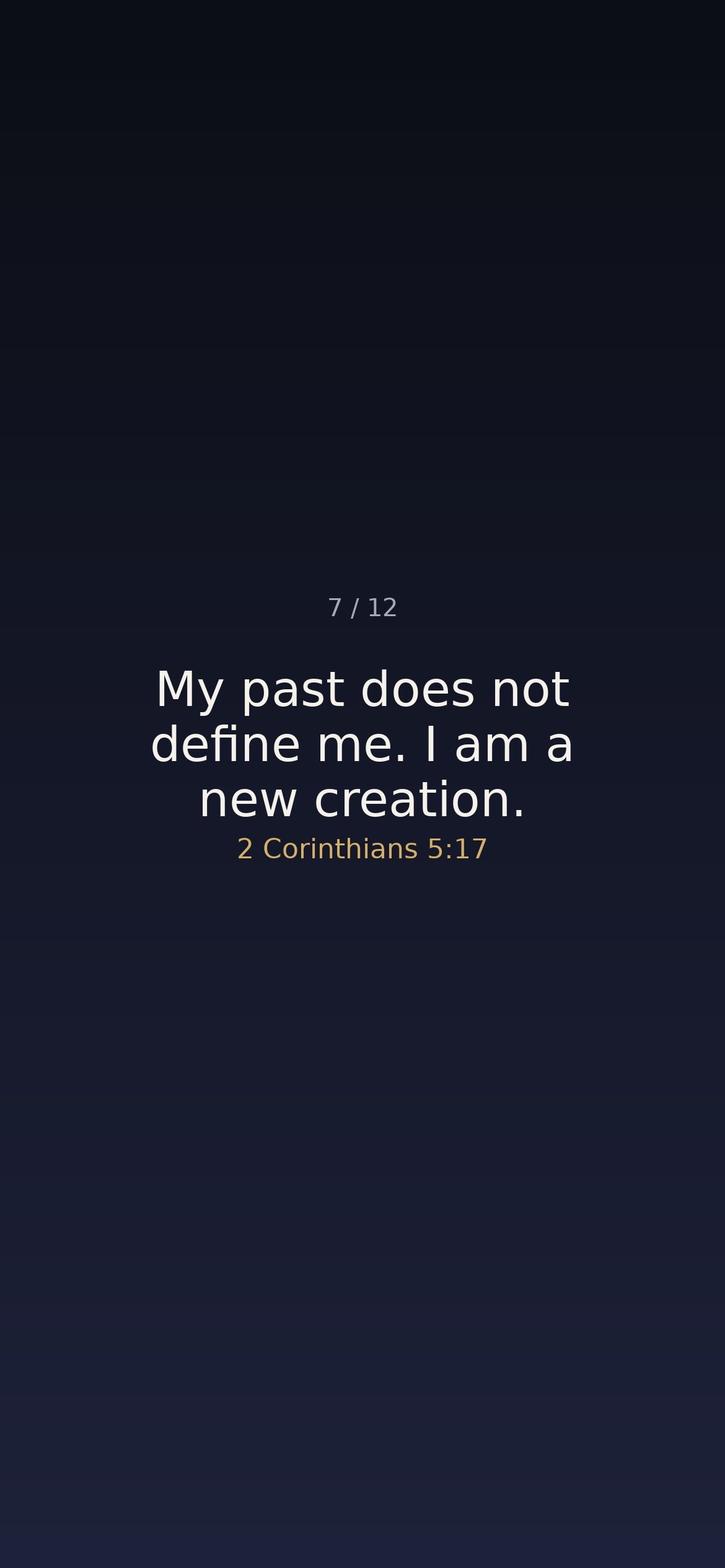
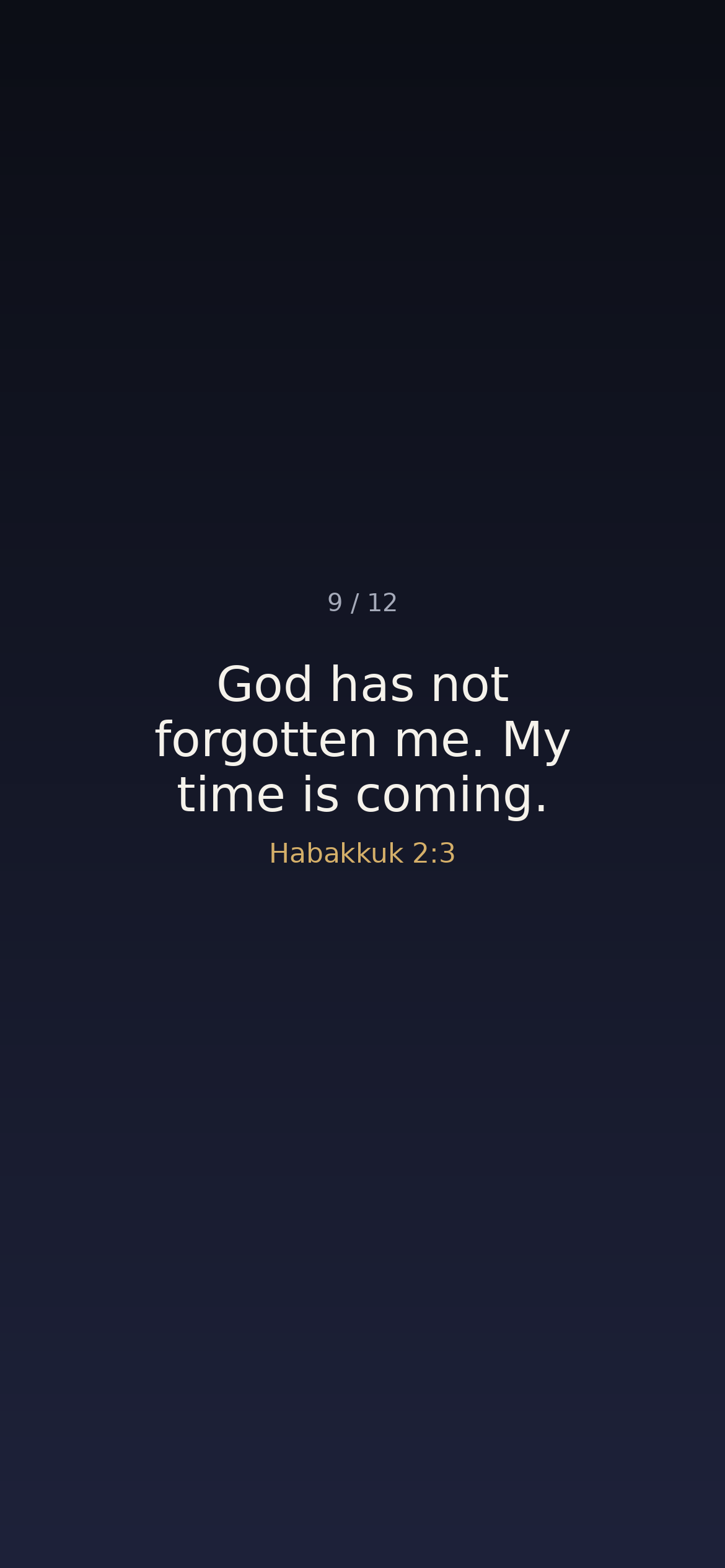
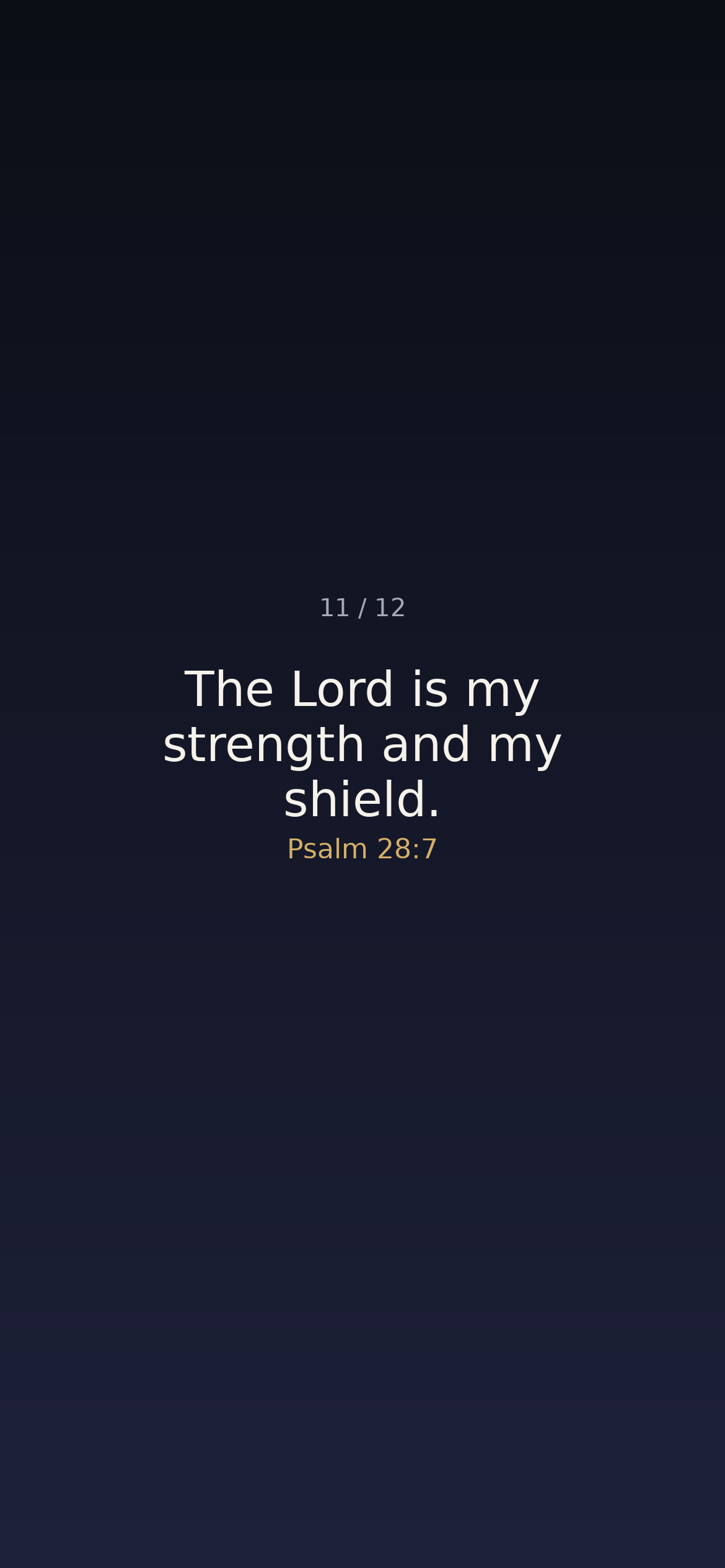

Download the whole set — all ten, full size, in one zip.
Presentation
Press play, then send it to your screen with AirPlay. The ten promises turn and begin again; it does not end.
Download the cycle video for a computer screen — a desktop, a lobby monitor, a classroom screen left on.
Advent — twelve promises
For the season of waiting: Isaiah's great light, the angel's word to Mary, good tidings in the fields — the promises that run ahead of Christmas, in the verses' own words. Advent begins November 29; these are for the weeks of watching for him.
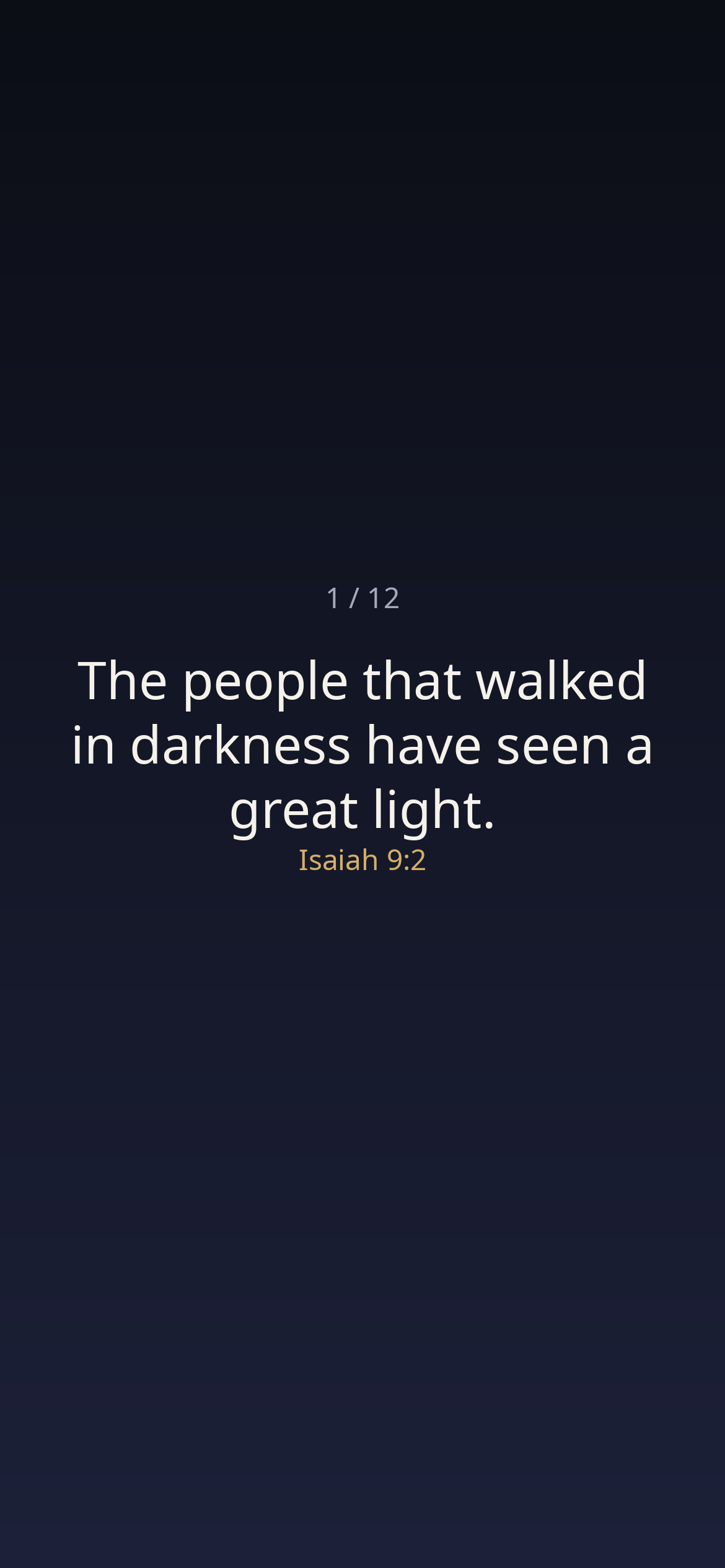
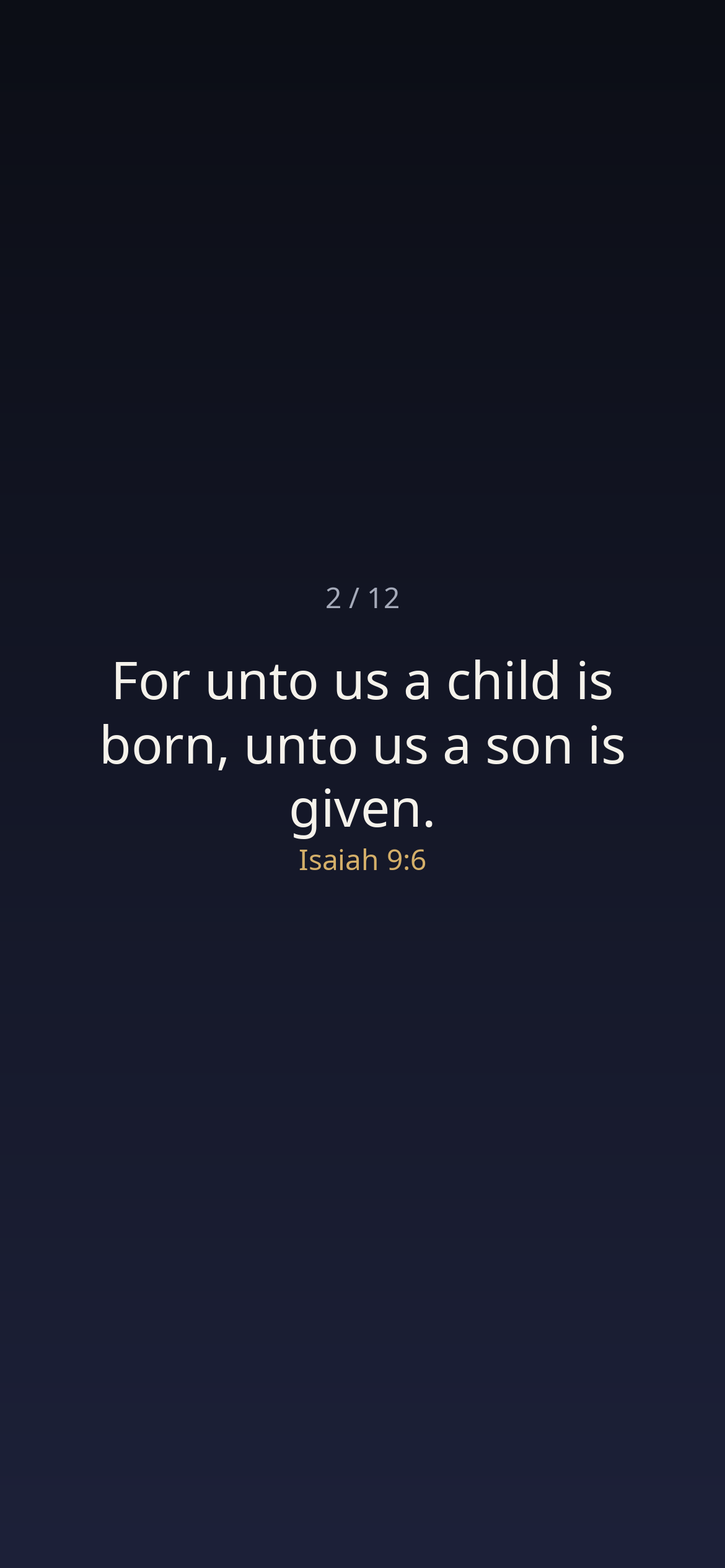
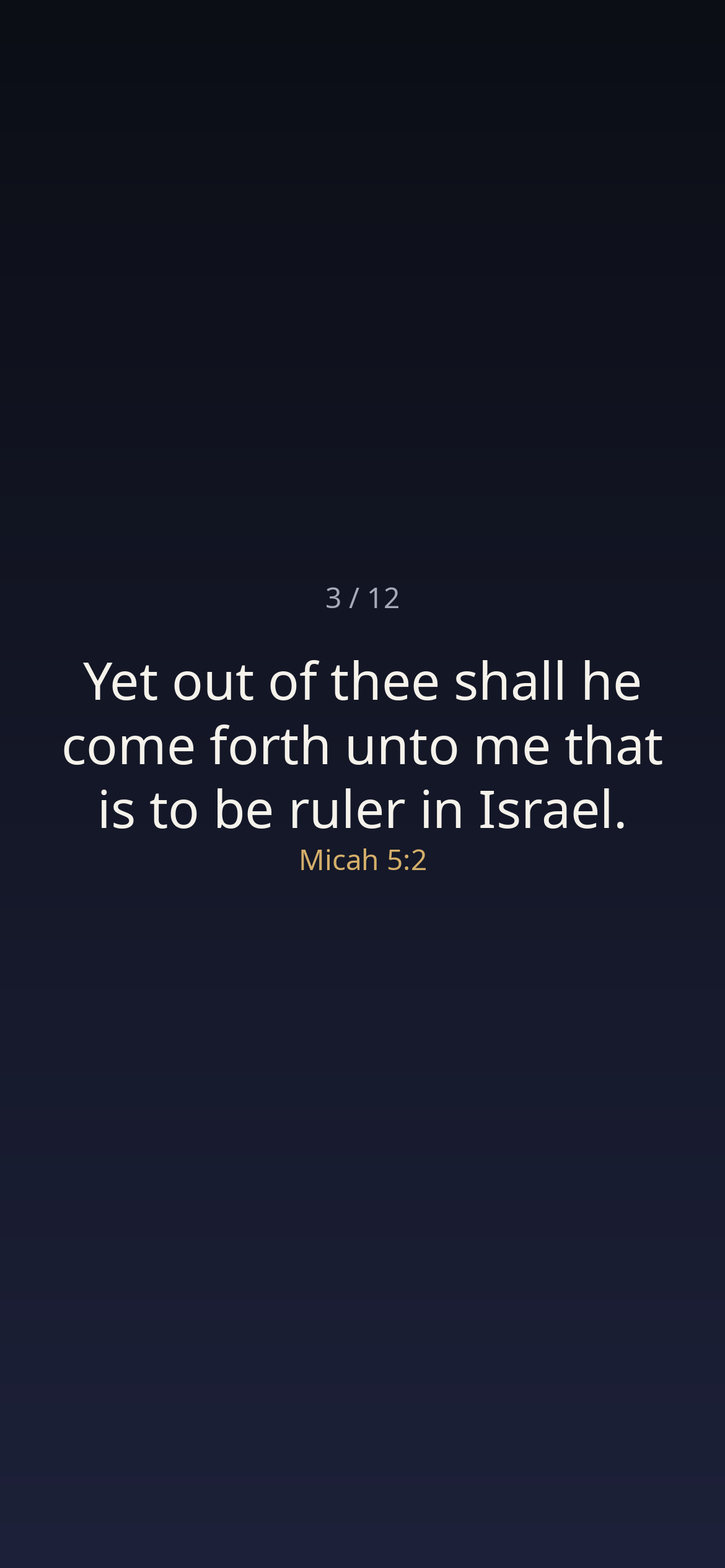
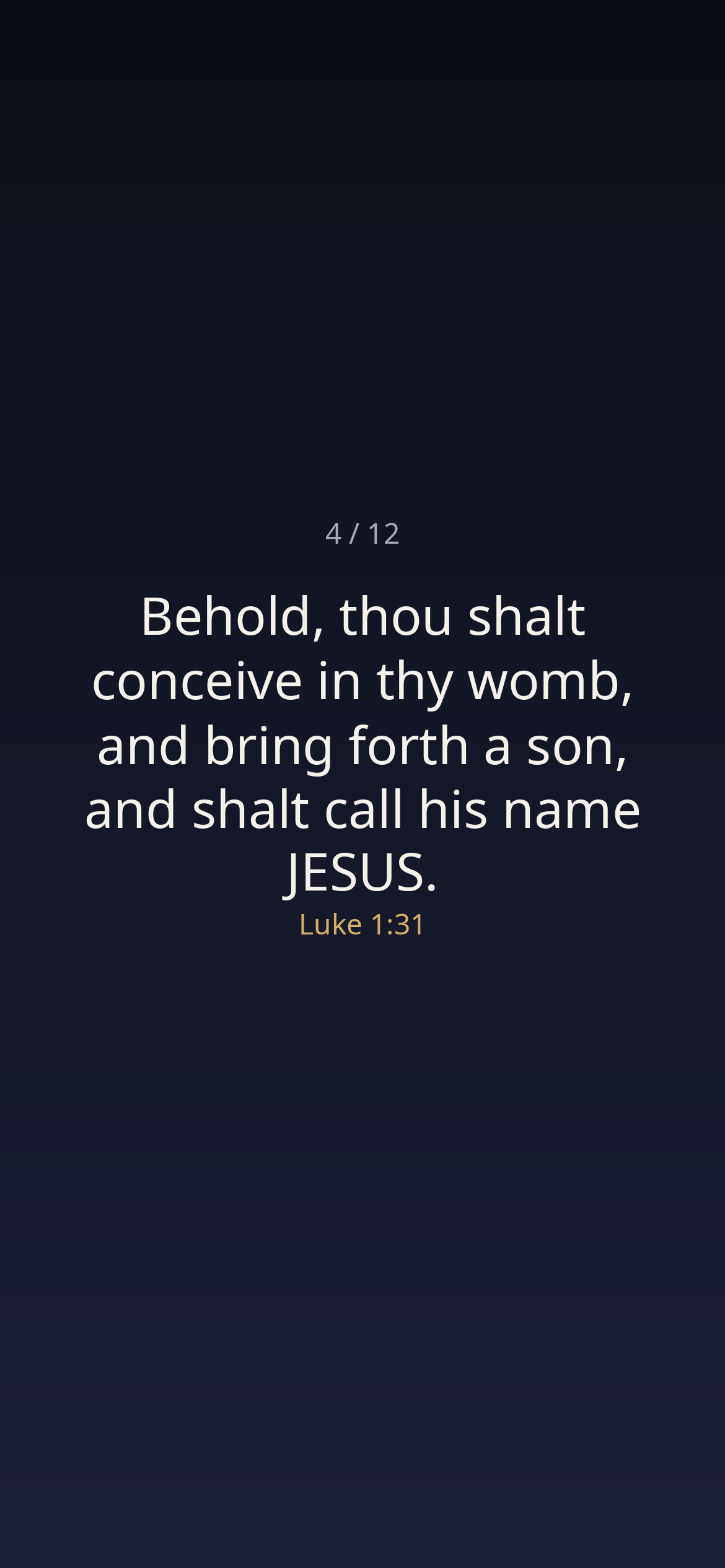
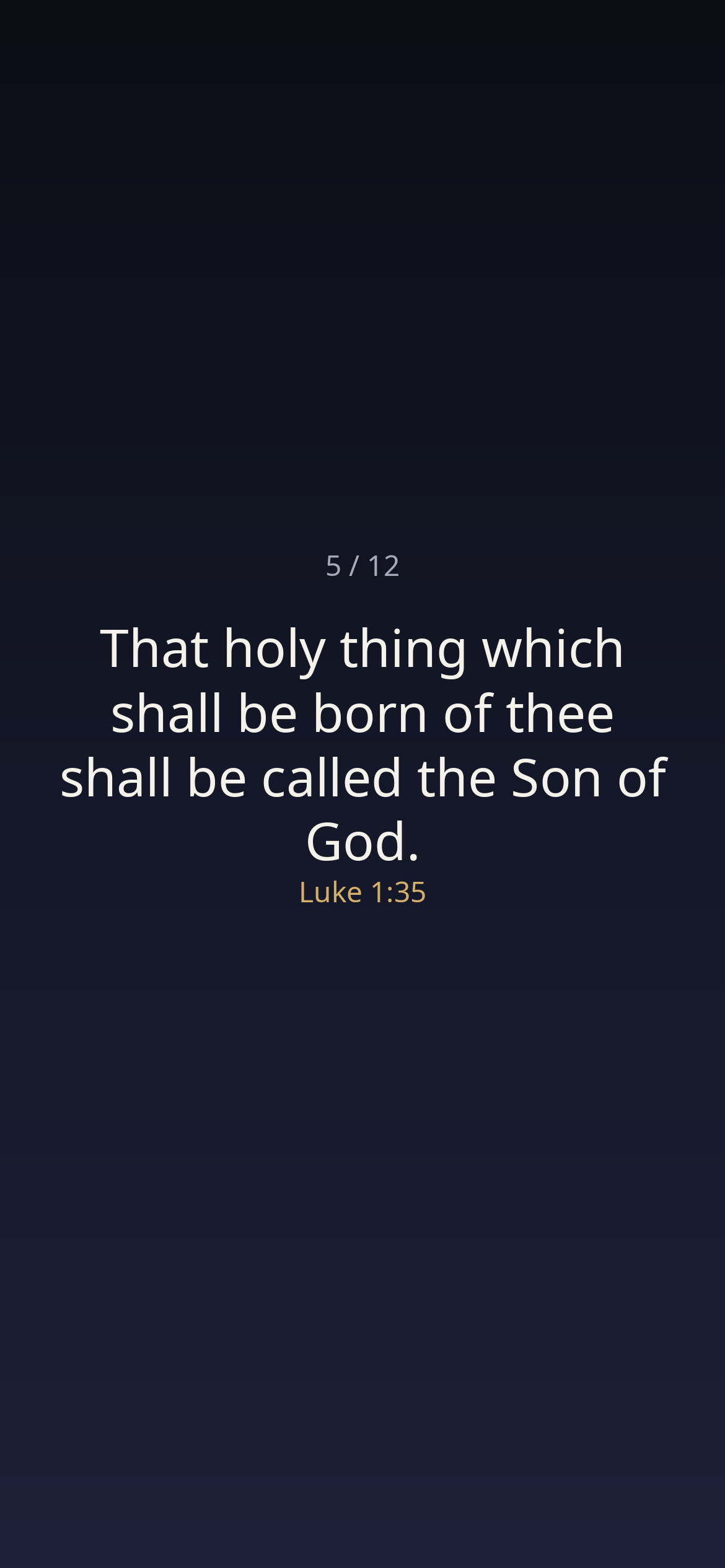
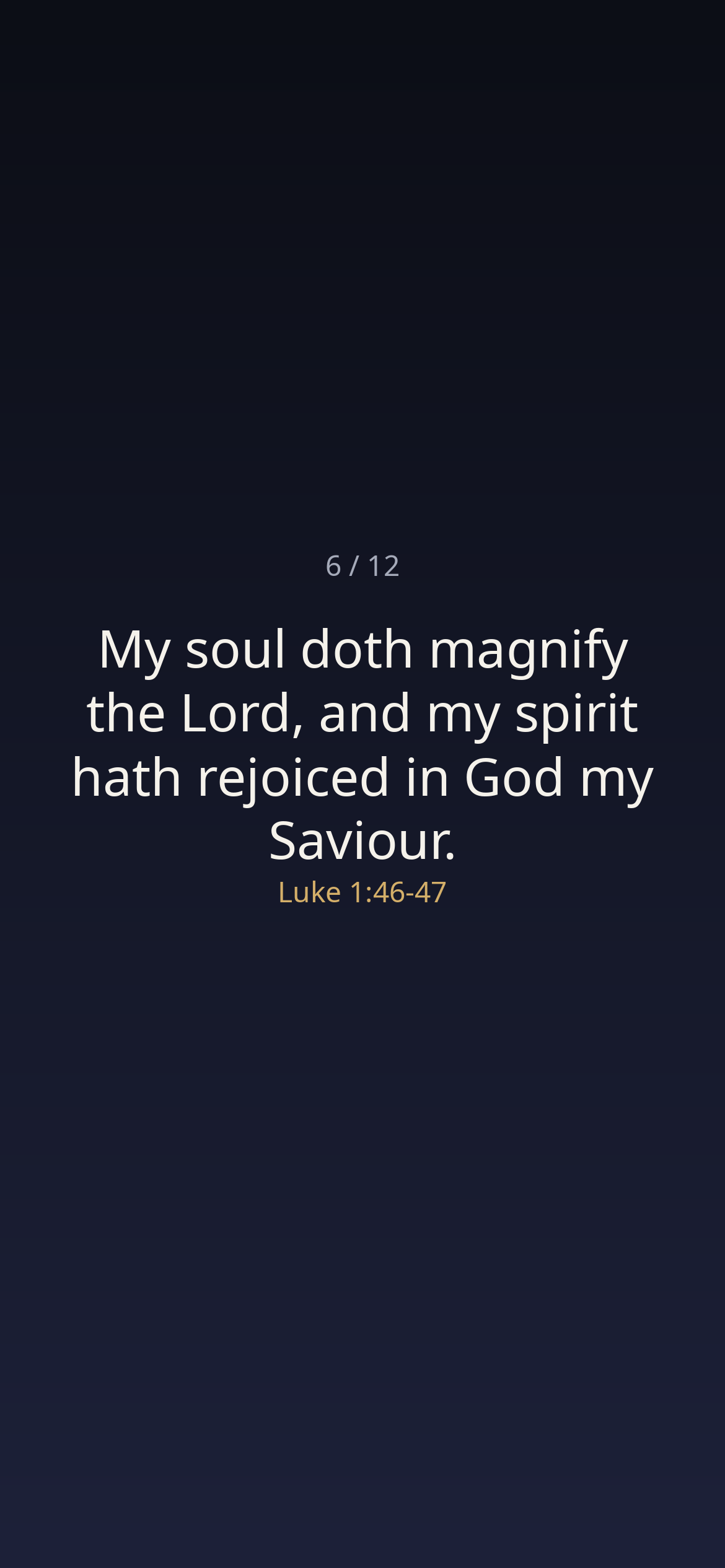
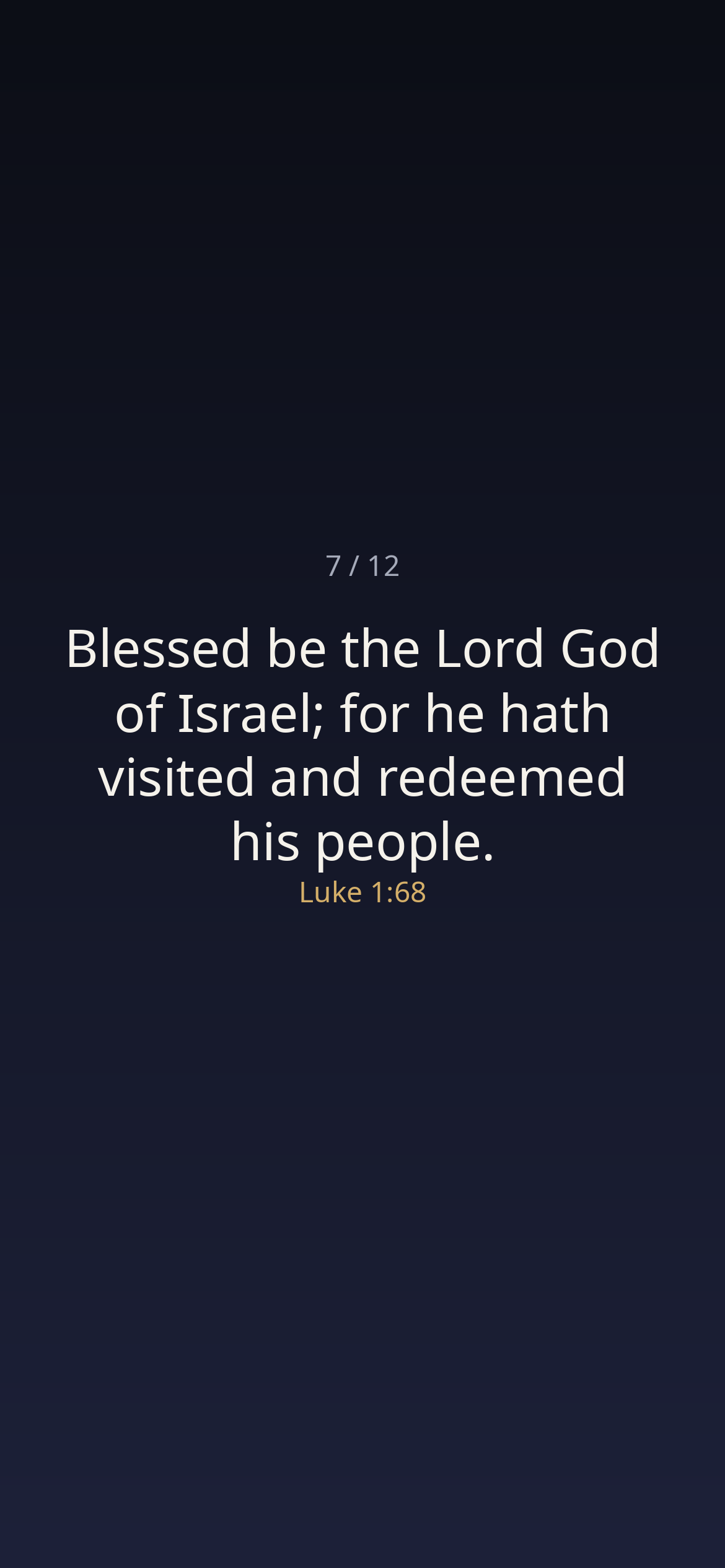
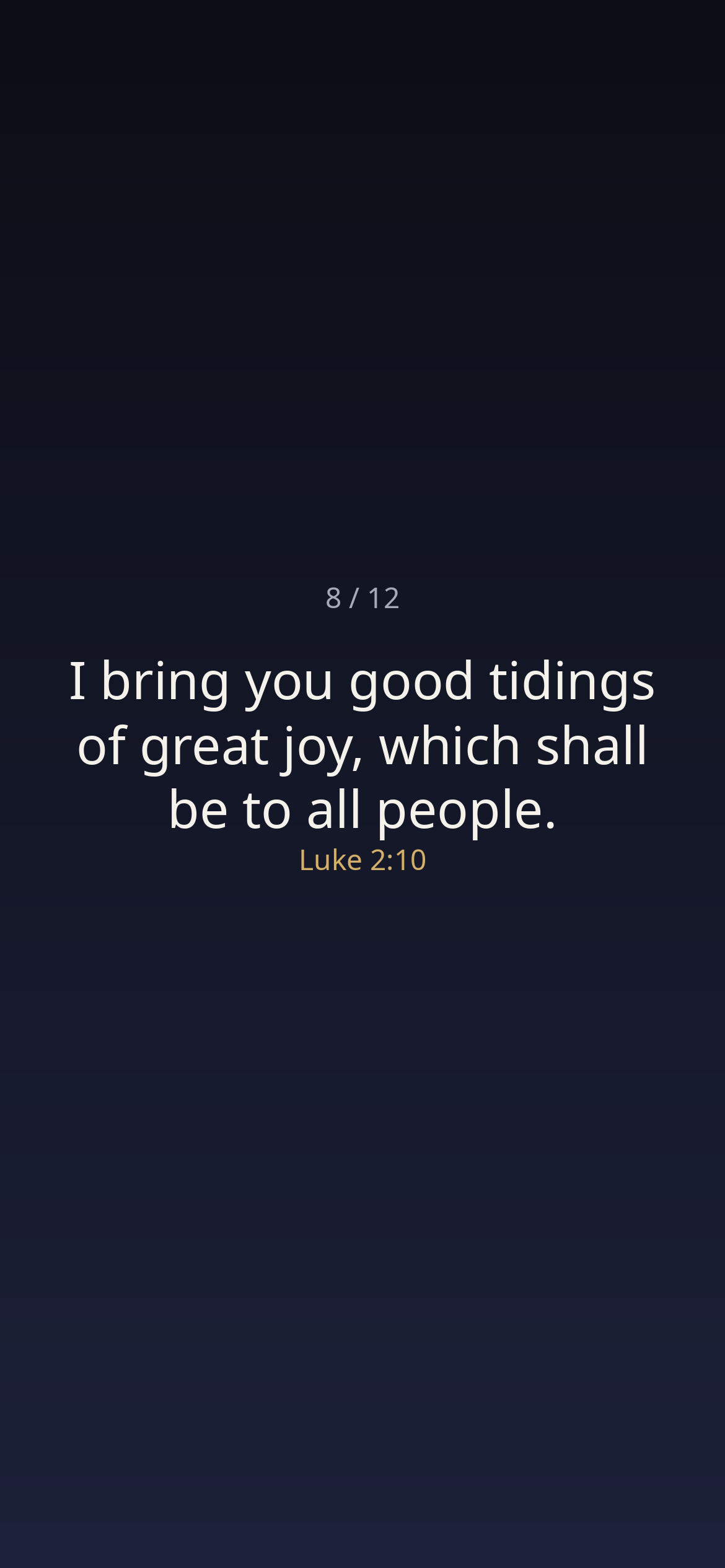
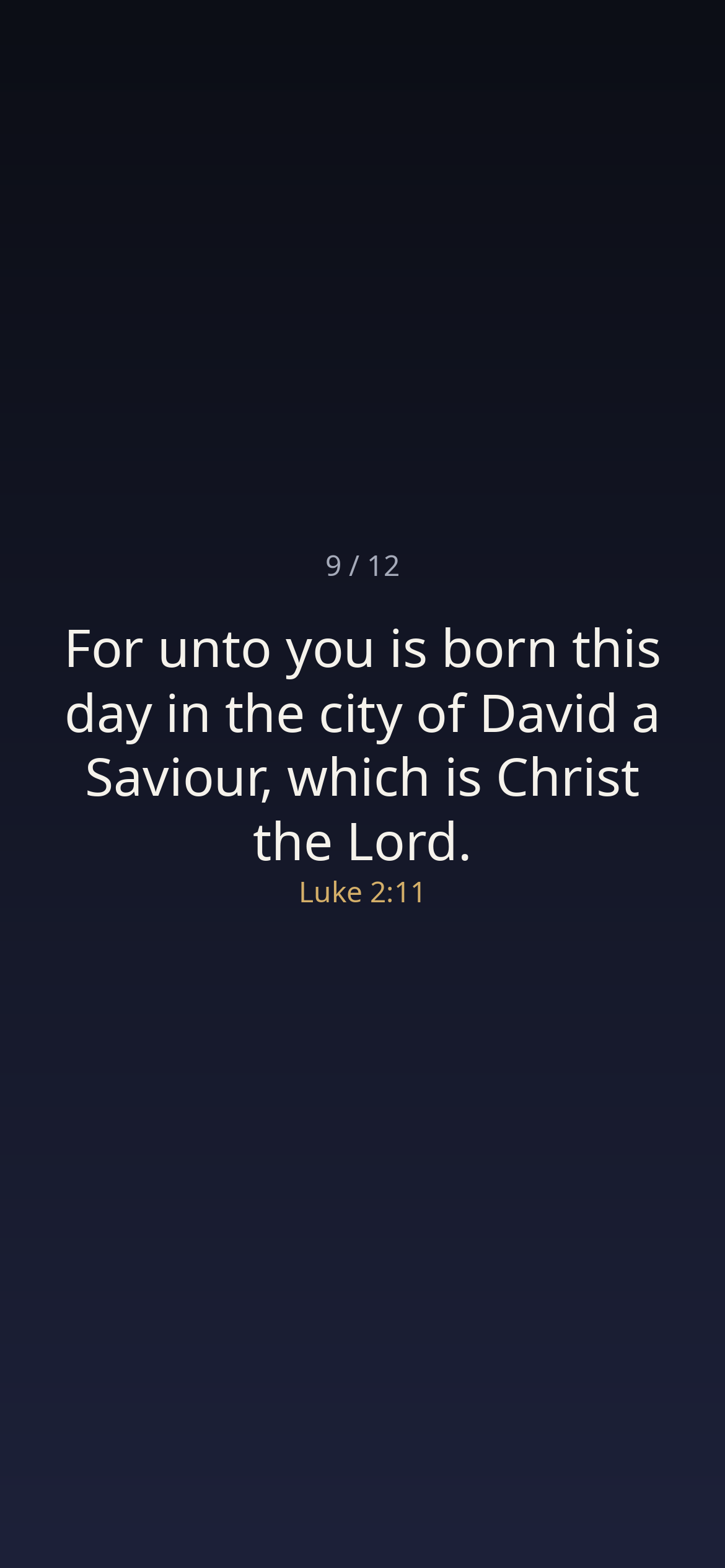
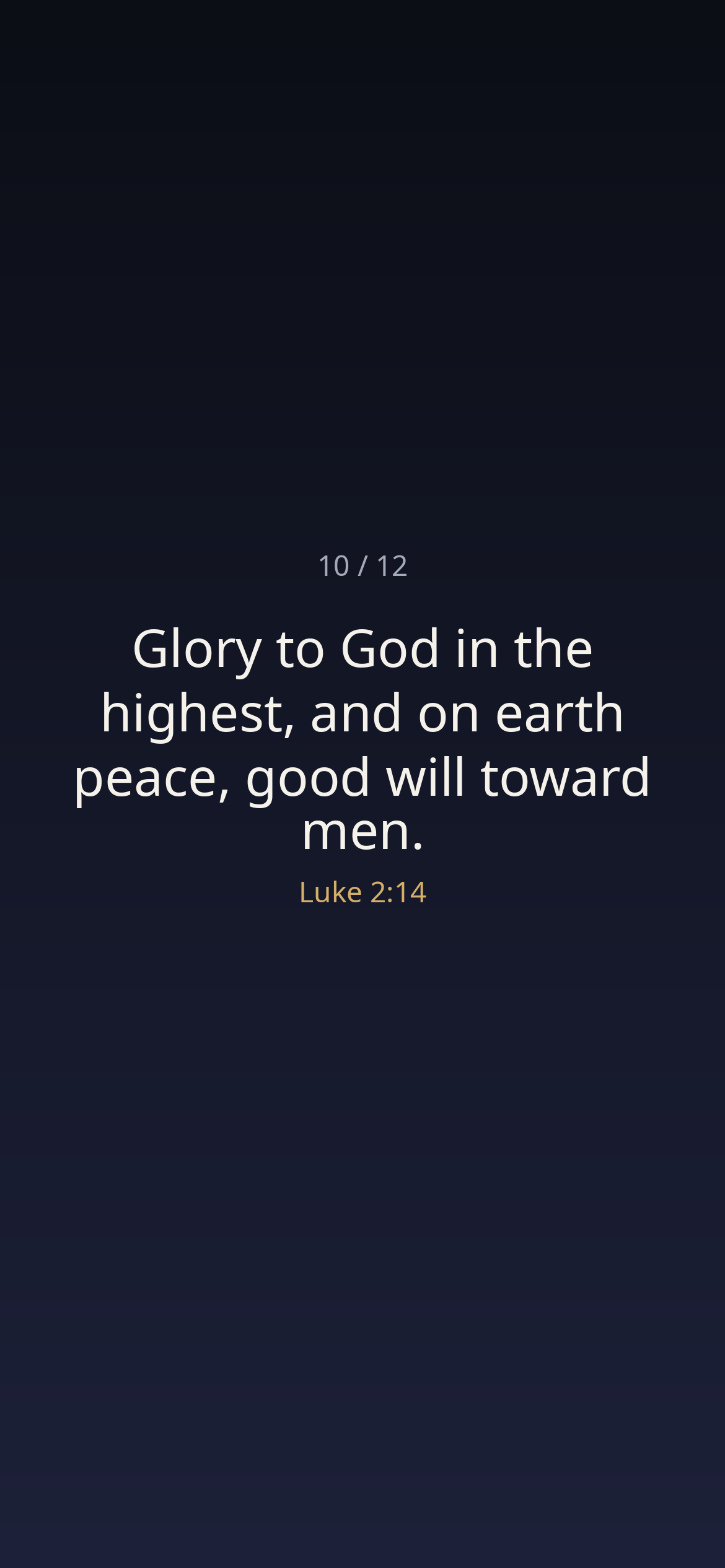
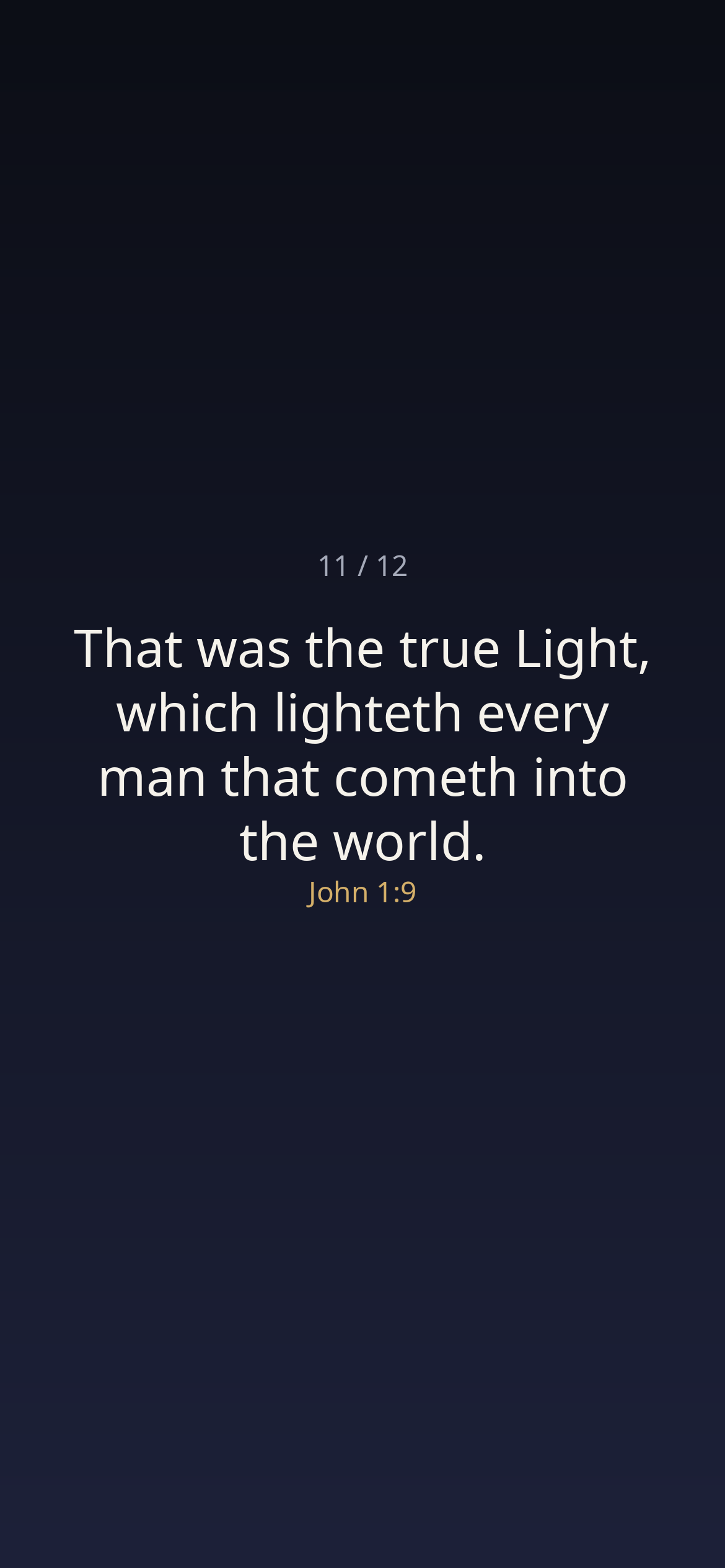
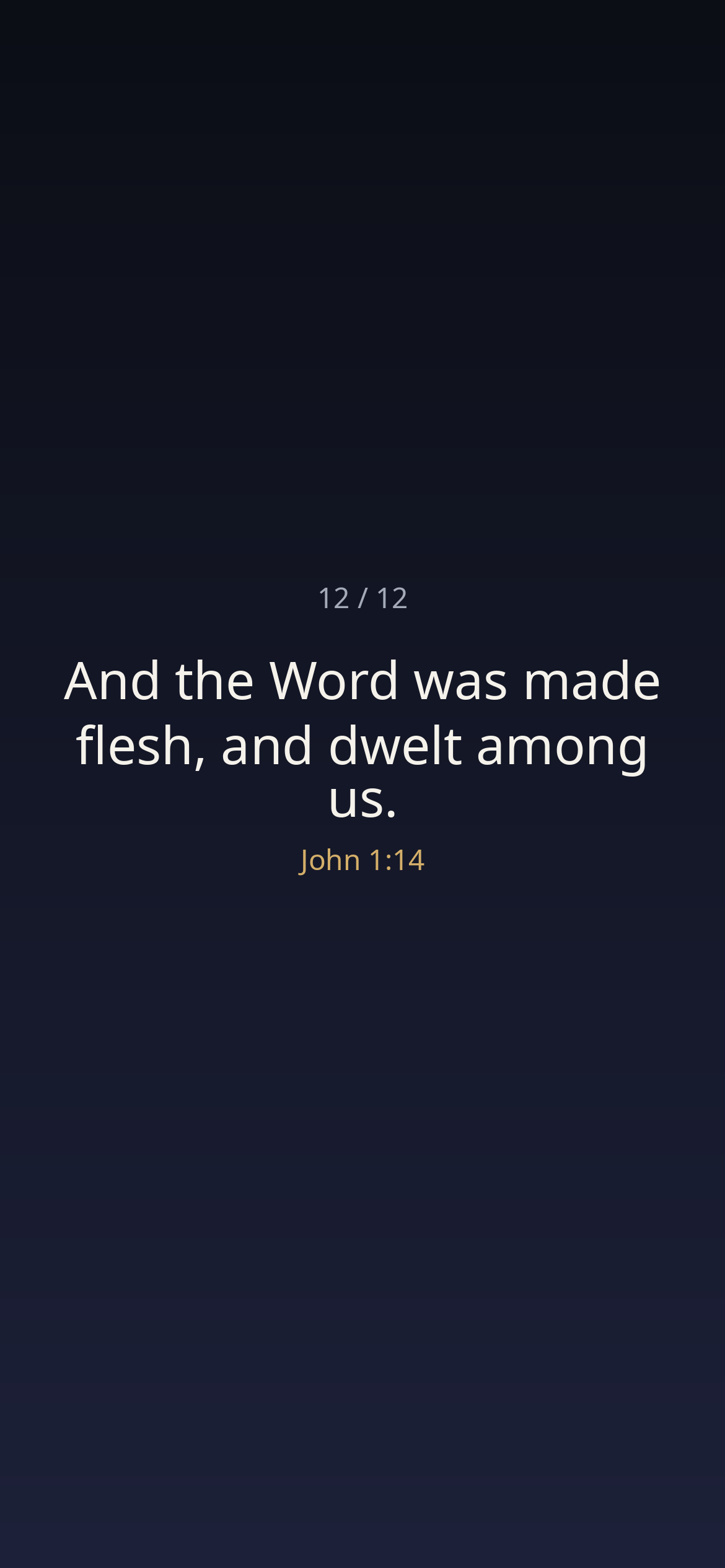
Download the whole set — all twelve, full size, in one zip.
Presentation
Press play, then send it to your screen with AirPlay. The twelve promises turn and begin again; it does not end.
Download the cycle video for a computer screen — a desktop, a lobby monitor, a classroom screen left on.
Put them on your phone
iPhone
- Download the set above (or save the images one by one). Let the zip open in the Files app, and save the ten images to Photos.
- In Photos, select the ten and add them to a new album.
- Touch and hold your lock screen and tap Customize — or open Settings → Wallpaper → Add New.
- Choose Photo Shuffle, then Album, and pick your album.
- Set how often it changes — on wake, or on tap — and tap Done.
Android
Lock-screen rotation varies from maker to maker. The ten images work as wallpapers on any phone: set one from your gallery, or use your phone's wallpaper shuffle if it offers one.
More sets are coming. This shelf grows the way the others did — a few finished pieces at a time.